
Make whiteboard videos from ChatGPT, Claude and other AI assistants
· 3 min read · The Explainly team
You're already asking an AI assistant to explain things. Now it can also turn that explanation into a video: connect Explainly once, then say something like "make a 1-minute vertical video explaining how rainbows form", and your assistant creates a narrated whiteboard video in your Explainly account.
Explainly has a remote MCP server (Model Context Protocol, the standard way AI assistants connect to outside tools) at:
https://explainly.video/mcp
You sign in with your Explainly account, so videos use your own credits and show up in My videos.
What your assistant can do
| Tool | What it does |
|---|---|
| create_video | Makes a whiteboard or slideshow video from a prompt: length (about 1 to 15 minutes), 16:9 or 9:16, 720p or 1080p, 10 languages, 10 voices. Uses your credits and reports the price. |
| get_video | Checks progress, and gives you the link to watch and download the MP4 when it's ready. |
| list_videos | Lists your recent videos. |
| get_account_and_options | Shows your balance, per-minute prices, and the available styles, languages and voices. |
Videos take a few minutes. The assistant starts the video, and you (or it) check back with "is my video ready?".
Connect it to Claude (web and desktop)
On a Free, Pro or Max plan:
- Go to Customize → Connectors.
- Click Add custom connector.
- Enter
https://explainly.video/mcpas the server URL and click Add. - Click Connect, sign in to Explainly, and click Allow.
The Free plan allows one custom connector. On Team and Enterprise plans, an Owner adds it once under Organization settings → Connectors → Add → Custom, and each member then clicks Connect under Customize → Connectors.
Connect it to Claude Code
claude mcp add --transport http explainly https://explainly.video/mcp
Then run /mcp inside Claude Code to sign in.
Connect it to ChatGPT
ChatGPT supports custom MCP apps in developer mode: turn it on under Settings → Apps & Connectors → Advanced settings, then create an app with the URL https://explainly.video/mcp and OAuth authentication. Which plans can use custom apps with write actions (like creating a video) depends on OpenAI's current rollout, so check your plan. We're also applying to ChatGPT's app directory so it becomes a one-click install.
Cursor and other MCP clients
Add a remote (Streamable HTTP) server with the URL https://explainly.video/mcp; clients that support OAuth will open the Explainly sign-in. If your client only supports fixed headers, create an API key in Explainly (API in the menu) and send it as Authorization: Bearer <your key>.
Prompts to try
- "Make a 1-minute 9:16 Explainly video explaining compound interest with a $100 example at 5%."
- "Turn the explanation you just gave me into a 3-minute whiteboard video for 7th graders."
- "Make a 2-minute onboarding video explaining our refund process: verify the order, check the policy, issue the refund, send a confirmation."
- "What's my Explainly balance, and what would a 5-minute 1080p video cost?"
The best results come from prompts that say who the video is for, the key points, and any facts that must be exact.
Pricing and safety
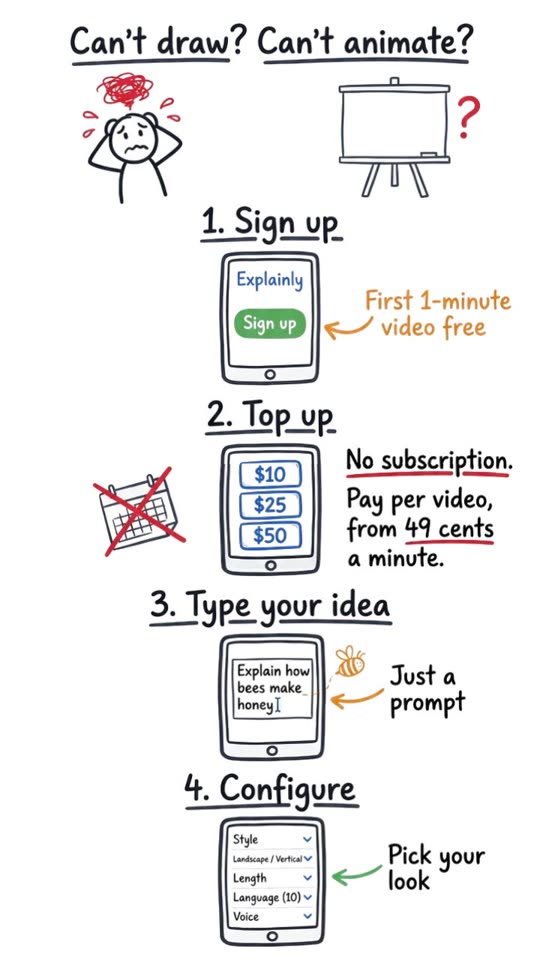
- Videos are paid from your Explainly credits: whiteboard videos start at $0.49 per minute (720p), and every new account gets its first 1-minute video free (limited spots each day). No subscription; see pricing.
- The assistant can create videos and read your videos and balance. It can't see your password or payment details, and it can't buy credits.
- When you're out of credits, the assistant gets a link to top up instead of a video.
- You can disconnect Explainly at any time from your assistant's connector settings.